





Update: Support for multiple casenotes
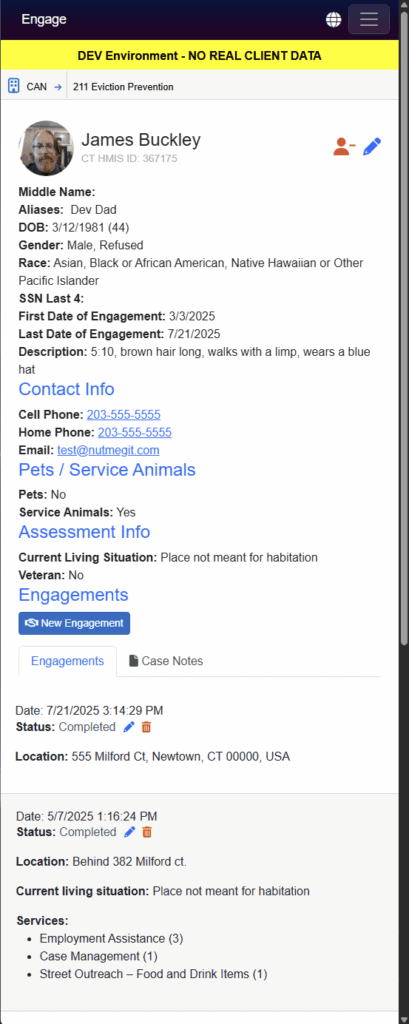
Engage now allows you to include more than one case note per engagement, allowing you to continue to add notes during or after you work with a client. A preview is below, you’ll notice the following changes. Note: Some older email clients will now show the animated preview in your email client, in those cases, click this link to view the preview.
Change Details
A) Case notes now have a dedicated case notes tab on the client profile page, this lists out all case notes, from latest to oldest . Click the case note title to expand to see a preview of the casenote, or if shorter, the full case note.
B) On individual engagements, multiple case notes are listed, either in full if the case note is short, or with a “view more” link for longer case notes. We hope you enjoy this increased flexibility!